Turn Any Blurry Photo Into an 8K Cinematic Masterpiece — Free Prompt Inside
Upload your photo to ChatGPT, paste this one premium prompt, and watch your image transform into ultra-high-definition cinematic quality — sharper skin, defined hair strands, lifelike eyes, and zero quality loss. No paid apps, no editing skills required.
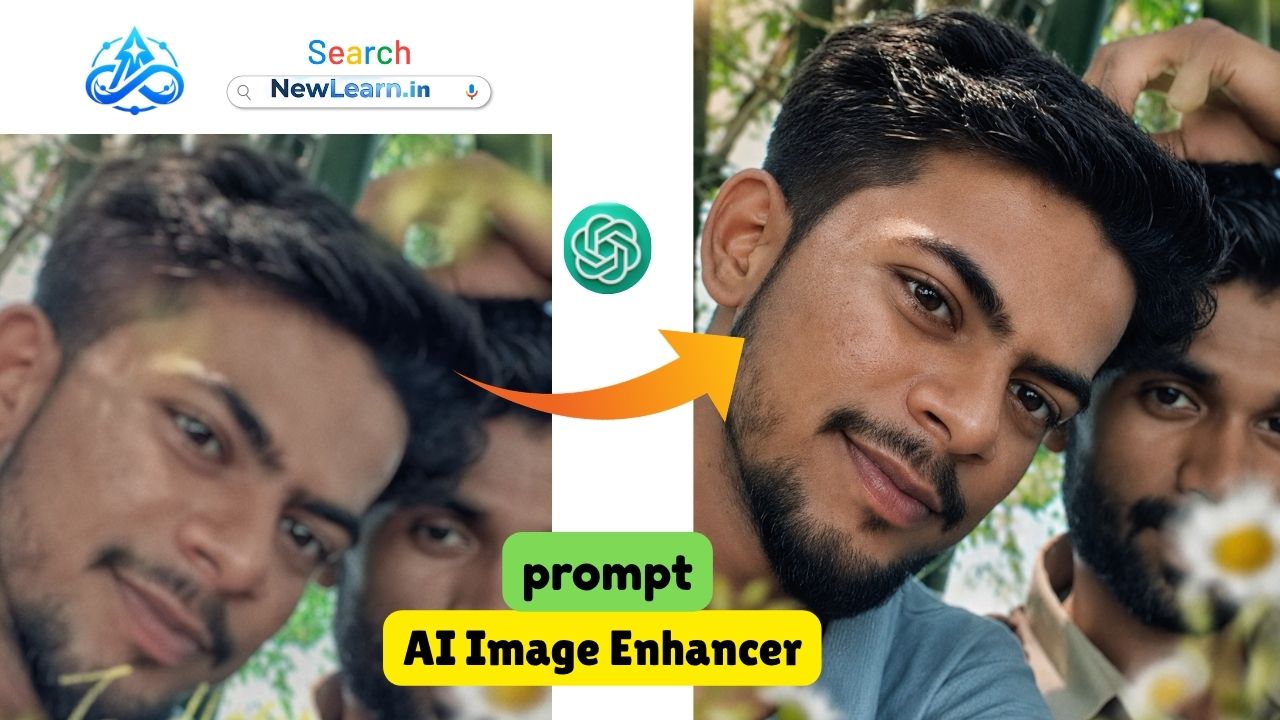
The Premium Prompt — Copy & Use Free
This is the exact prompt engineered to deliver ultra-HD cinematic results. Every word is intentional. Just copy, paste, and send.
How It Works — 3 Simple Steps
No subscriptions. No downloads. Just ChatGPT Plus (or any DALL·E-enabled model) and this prompt.
What This Prompt Delivers
Naturally visible pores, precise facial contours — no artificial smoothing or airbrushing.
Eye clarity with authentic reflections — the most compelling feature in any portrait.
Every hair reconstructed individually for photorealistic depth and definition.
Balanced dynamic range, contrast, and depth — the look of a professional photograph.
Your face, expression, clothing, background — all preserved exactly. Only quality improves.
Compression noise, softness, and blur are eliminated — clean, crisp edges throughout.
💡 Pro Tip: For best results, upload the clearest version of your photo you have — even if it's blurry. The higher the original resolution, the more stunning the 8K output will be.
Tips for the Best Results
- Use ChatGPT Plus (GPT-4o) or any model with image generation enabled for this prompt to work.
- Upload the photo as a direct image attachment — not a screenshot of the photo.
- If your image is very dark or overexposed, mention it after the prompt: e.g., "The image is slightly underexposed."
- For group photos, add: "Preserve all individuals in the frame with equal fidelity."
- You can run the same prompt 2–3 times to get variations and pick the best one.
- Works great on portraits, landscapes, old family photos, and event photography.
Why This Prompt Works Better Than Others
Most generic enhancement prompts ask AI to "make the image better" — which leaves interpretation up to the model and often changes your photo dramatically. This prompt uses a structured instruction format with explicit preservation rules, categorised enhancement targets, and hard integrity constraints.
The result? The AI knows exactly what to improve (sharpness, lighting, texture, edges) and exactly what to never touch (your face, expression, background, clothing). That's the difference between a random enhancement and a professional one.
🆓 100% Free: This prompt is completely free to use. No watermarks, no credit required. Share it with friends and follow @gunatools0105 on social media for more premium AI prompts weekly.